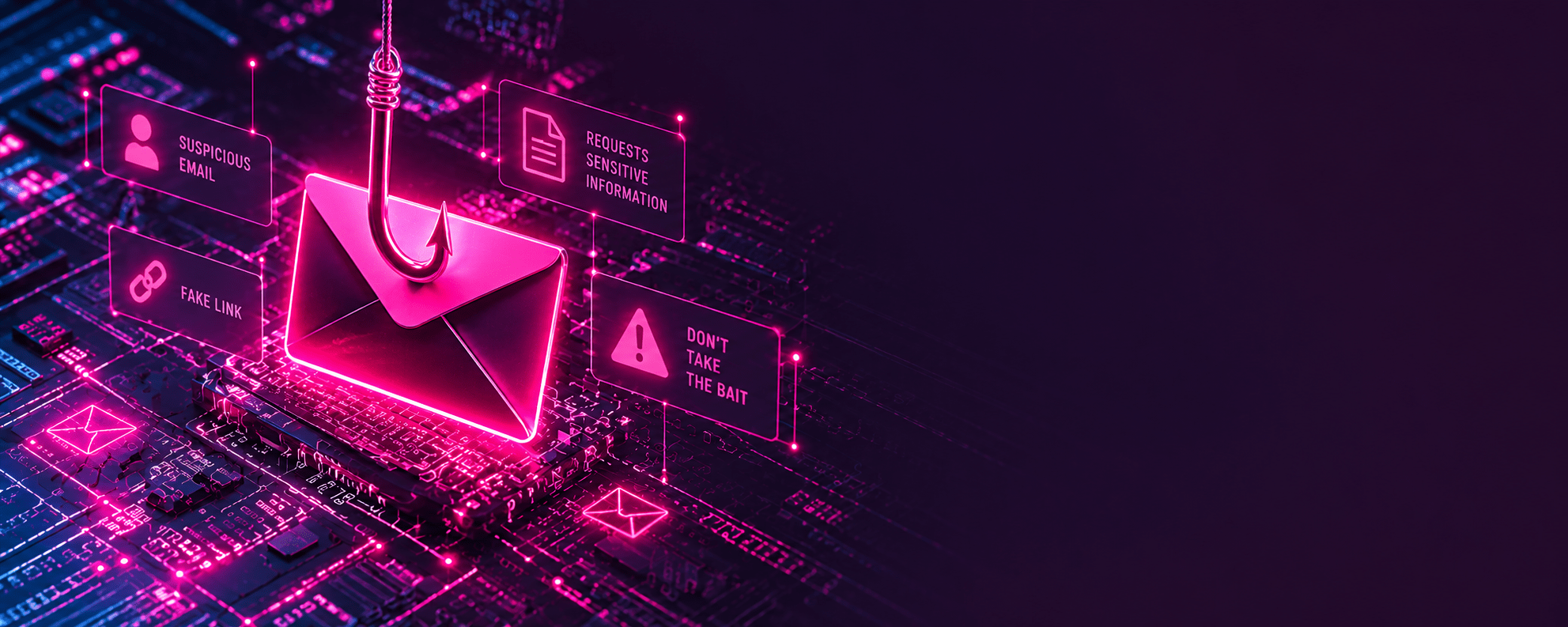
For most organisations, cyber security feels like someone else’s problem—until one normal-looking email slips through the cracks.
That was the reality for a UK charity recently. An email arrived regarding a routine invoice payment. Nothing looked suspicious, no alarm bells rang, and a member of staff followed the link and processed the payment as usual.
Only afterwards did they realise it was a scam. The email was a carefully crafted phishing attack mimicking a legitimate contact. Within minutes, genuine funds had been transferred straight to criminals. There were no broken firewalls or complex hacks—just an email that looked convincing enough to trust on a busy working day.
Why “They Should Have Known Better” Is the Wrong Attitude
It is easy with hindsight to look at a fake invoice and think you would spot it, but modern phishing emails are designed to deceive. Attackers study real suppliers, copy invoice layouts, and use urgent language so people react before they have time to question what they are looking at[.
Charities and growing businesses are obvious targets. With lean teams, high workloads, and volunteers or hybrid staff sharing daily admin, expecting employees to spot every rogue message is an impossible standard.
Simple Checks Before You Click
Whenever an email asks for money, a password, or a change of bank details, take ten seconds to run these checks:
- Check the real address: Do not just look at the sender’s display name—click or hover to see the actual email address behind it.
- Never use contact details from the email: If an invoice suddenly changes bank details or demands fast payment, do not ring the phone number listed on that message.
- Pick up the phone: In line with National Cyber Security Centre (NCSC) guidance, always verify payment requests using a trusted number you already have on file.
What to Do If Someone Gets Caught Out
If someone clicks a bad link or transfers money, the worst thing they can do is hide it out of embarrassment. Speed is the only thing that limits the damage:
- Ring the bank immediately: If money has left the account, call your bank straight away so they can attempt an urgent recall.
- Tell your IT support straight away: Report the clicked link or compromised account immediately so passwords can be reset, sessions killed, and the malicious domain blocked across the whole team.
- Encourage honest reporting: If staff fear getting into trouble, they keep quiet—and an isolated mistake turns into a company-wide network lockout.
Stopping Phishing Before It Reaches the Inbox
Staff awareness training is important, but human vigilance alone is never enough. Good cyber security puts technical barriers in place so malicious emails never make it into an employee’s hands in the first place.
That is why we provide Lansafe IMPACT—a layered security service built for organisations that do not have the time or budget for an in-house cyber team:
- Smart Mailbox Filtering: Blocks impersonation attempts, fake links, and infected attachments before they hit inboxes.
- Ransomware Protection: Isolates affected computers immediately to stop threats spreading across the local network.
- Patch & Vulnerability Management: Fixes software security flaws automatically before attackers can exploit them.
- Active Monitoring: Keeps watch over your setup so problems get caught and dealt with early.